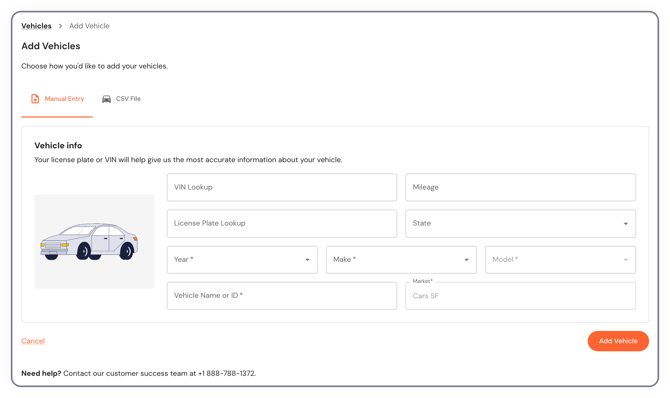
Your Amazon branded and LMR vehicles should be auto-populating from a file we receive from Amazon. We cannot work on rental vehicles at this time. If you want to add DSP-owned vehicles, you can add them individually. Go to your Vehicles tab at the top of your screen. Once there, click the yellow Add Vehicles button in the top right. At minimum we need the VIN, which you can also use as the Vehicle Name or ID if you don’t have your own internal naming system for your vehicles. Click Set Details to fill in the year, make, and model. When you click Add Vehicle it will immediately bring you into a request for repair.