- Go to the Active Orders tab. Click New Repair button on the top right corner.
- In the vehicle list, check the box next to the vehicle that needs repair.
- Click Continue and work through each page, selecting the appropriate options.
- Review your selections.
- Click Submit to open the repair order.

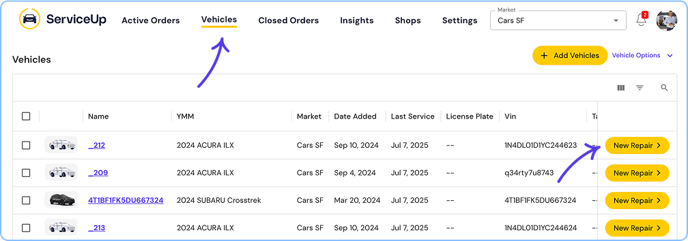
- Alternatively, go to the Vehicles tab.
- Find the vehicle (search or scroll).
- Open the vehicle row/card and click New Repair.
- Work through each page, selecting the appropriate options.
- Click Submit to open the repair order.